Twelve connected business areas
Manage every stage of the business.
Each business area connects the people, records and activities required to manage a wholesale or retail business—from CRM sales through to ecommerce, stores, fulfilment and ongoing support.
PROCESS 01
Configuration settings and data management
Tailor Zoho using configurable users, permissions, templates, currencies, domain names and data backups. Establish consistent platform settings, secure access and reliable business data across your organisation.
PROCESS 02
User activity and marketing
Drive product sales using campaigns, social media, website analytics and live chat. Track tasks, emails, SMS messages, calls, bookings, documents, forms and surveys, giving your team visibility of every customer interaction.
PROCESS 03
Customer management and sales enquiries
Build a relationship-based database for customers, distribution partners and end users. Connect billing and parent accounts with branches and brands, without duplicating businesses or contacts, and view current and historical orders.
PROCESS 04
Quotes and sales orders
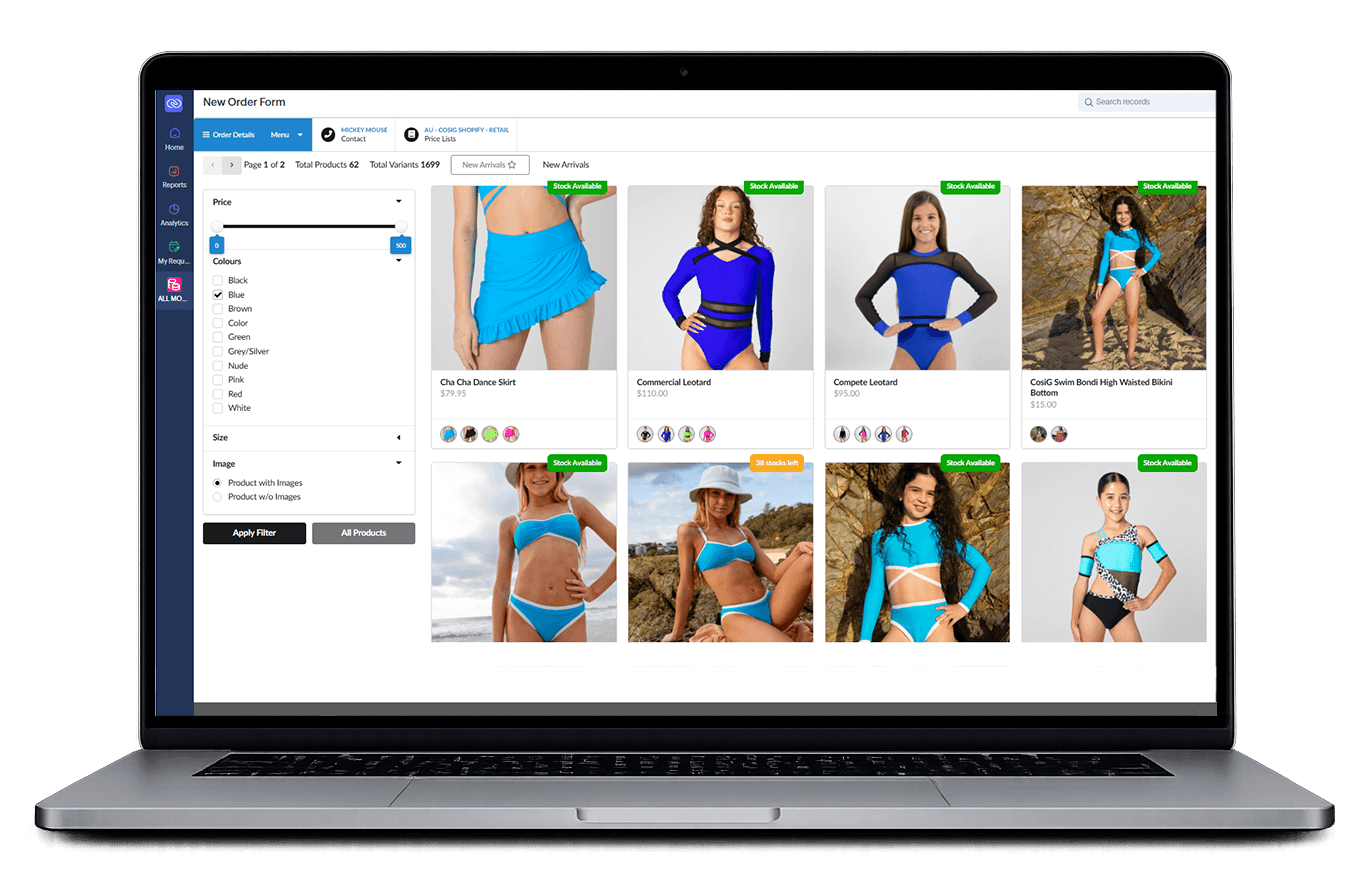
Connect sales from ecommerce, retail stores, portals and CRM. Create quotes and sales orders using customer price lists, currencies, exchange rates and tax rules, then send professional documents with product images and specifications.
PROCESS 05
Sales and sales order invoicing
Manage deposits and sales order balances with easy-to-create invoices, payment gateway links and consolidated invoices for batch payments. Accounting integration reduces duplication and keeps payments, cash flow and financial reporting current.
PROCESS 06
Jobs and production pipeline
Convert approved orders into jobs that connect purchasing, stock allocation, production and delivery. Manage production for customer orders or stock replenishment, ensuring products are manufactured or assembled and ready for fulfilment.
PROCESS 07
Purchasing supplier bills and job expenses
Manage warehouse replenishment and purchasing for customer orders. Bulk purchase goods, allocate stock, manage drop shipping and click and collect, then reconcile purchase orders, receipts and supplier bills—even when completed out of sequence.
PROCESS 08
Products composites and inventory
Manage goods, services and composite products linked to suppliers and manufacturers. Maintain categories, attributes, price lists, images and specifications, while tracking inventory across locations using serial or batch numbers where required.
PROCESS 09
Returns repairs warranty and support
Support customers after fulfilment with connected returns, repairs, warranty claims and service processes. Track the products and parties involved, assigned actions, replacements, repair costs, quality assurance information and customer communications.
PROCESS 10
Reports budgets and performance
Create real-time reports and dashboards for sales, purchasing, inventory, production and finance. Compare costs, monitor margins and forecasts, and review stock values, production progress and outstanding orders to support informed decisions.
PROCESS 11
Resources and quality assurance
Manage internal and external resources, production requirements, quality checks and compliance. Complete inspections, capture evidence, assign corrective actions and control the information shared with employees, suppliers and authorised resources.
PROCESS 12
Customer and distributor portals
Provide secure, branded access based on each user’s profile. Customers and distributors can view pricing, submit and monitor orders, approve records, download documents, upload attachments and communicate with your team.