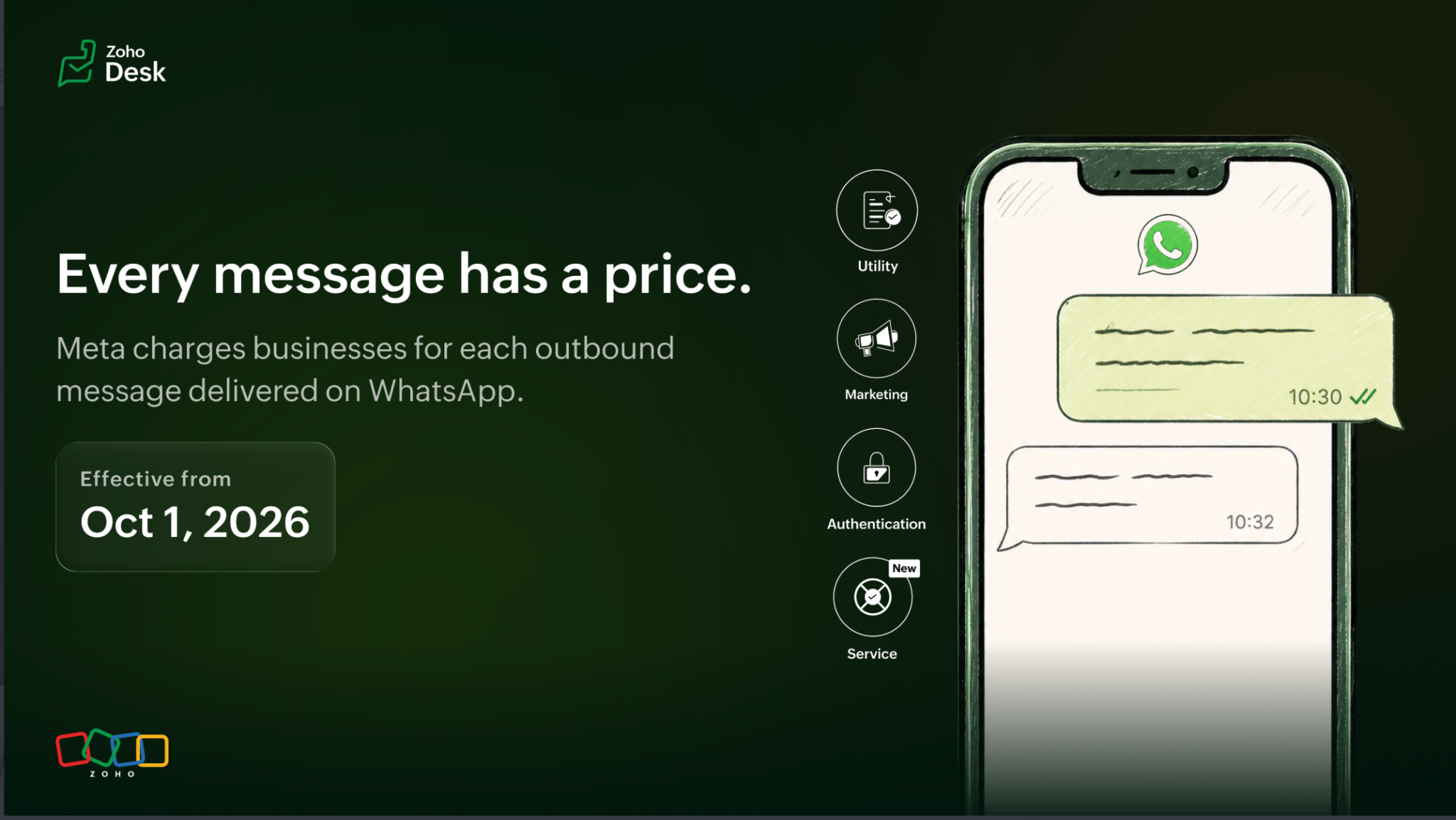
Meta is changing WhatsApp Business Platform pricing on 1 October 2026. If you use WhatsApp through Zoho Desk Instant Messaging, review your message volume, credits and testing setup before the changes take effect.
Rates will change by message type and destination
Some countries now covered by regional pricing will receive their own rates. Meta is also adding an international rate for certain Authentication messages and revising selected Utility, Authentication and Marketing rates. The applicable price depends on the message category and the recipient’s country. Check Meta’s pricing documentation ↗ for the current rate card.
Service messages: 1,000 free per number each month
Service messages are business replies within the 24-hour customer service window. Zoho says messages sent by Guided Conversations and Zia bots on a WhatsApp channel also count as Service messages. From 1 October, the first 1,000 Service messages each month are free for each WhatsApp Business phone number; further Service messages are chargeable at the applicable rate. The allowance resets monthly, and there is no volume discount for this category.
If one phone number sends 1,200 Service messages in a month, 1,000 fall within the free allowance and 200 are chargeable.
After the allowance is used, your Zoho Desk IM account needs sufficient credits to send chargeable messages. Zoho says a successfully sent chargeable message appears in the IM credit statement; without enough credits, it will not be sent.
Utility messages inside the 24-hour window
Utility messages, such as order updates, payment details and appointment reminders, can also be chargeable within the customer service window under the October changes. Review your usual volume and the destinations of those messages when estimating costs.
Sandbox channels become incoming-only
From 1 October, WhatsApp sandbox channels in Zoho Desk will accept incoming messages but will no longer send outgoing test messages. If your testing relies on outbound sandbox messages, adjust that process before the change.
What to check now
- Count the monthly Service messages for each WhatsApp Business phone number, especially numbers likely to exceed 1,000.
- Review Utility-message use, including messages sent during the 24-hour customer service window.
- Keep enough IM credits available for messages that become chargeable.
- Update any test process that sends from a WhatsApp sandbox channel.
For the full announcement and current pricing details, read Zoho’s Desk IM update ↗ and the WhatsApp pricing guide ↗. Have a question about your setup? Contact Zenro.