← Back to Zenro Releases

Zenro Releases / Manage Locations widget

Manage Locations — One enquiry. Every customer site.

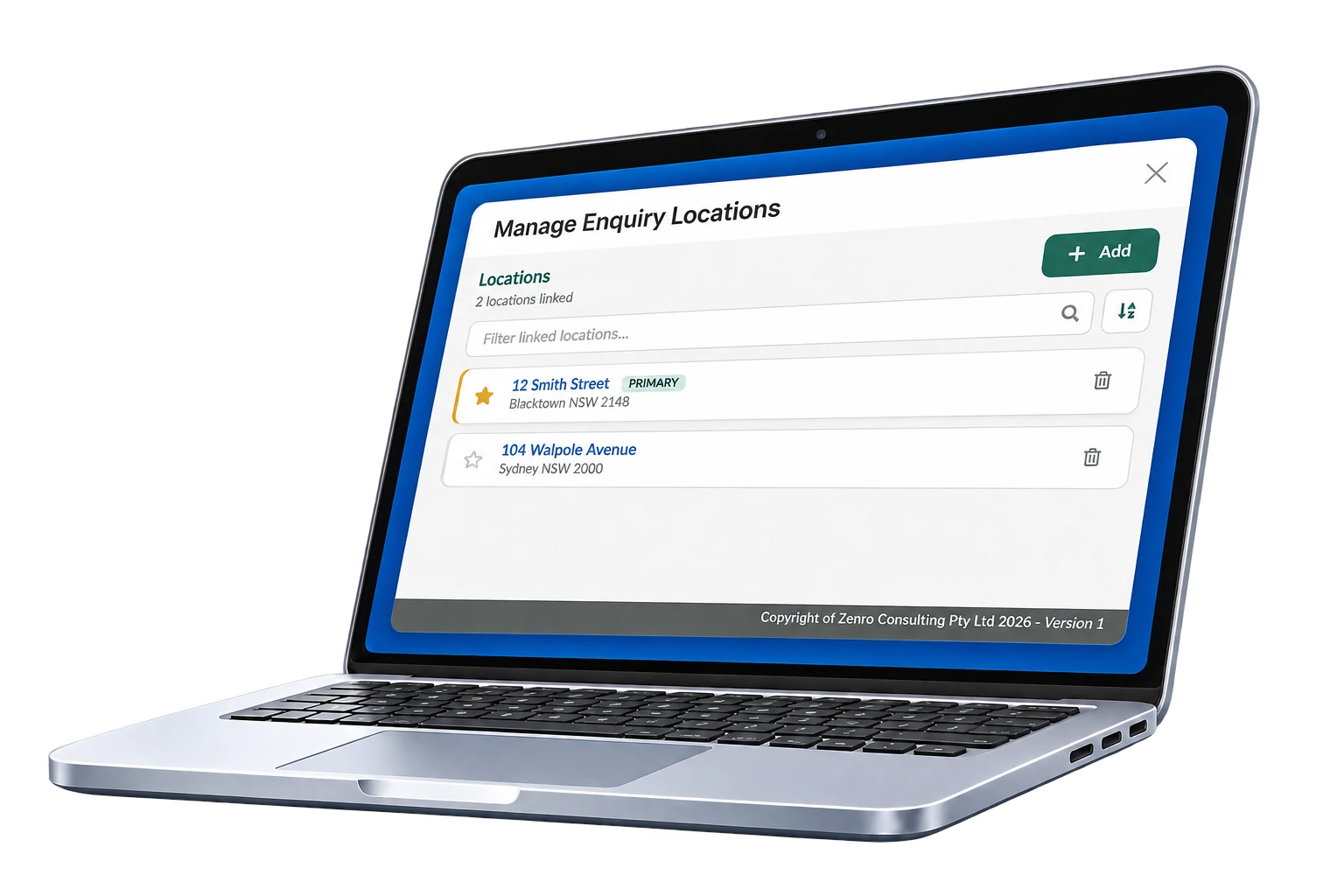
Enquiry Locations widget on a silver laptop

New Functions

  1. Add New Locations

    Create new job locations directly from an enquiry.

  2. Link Existing Locations

    Connect existing locations to the enquiry without creating another sales opportunity.

  3. Connect Multiple Job Locations

    Keep one sales opportunity linked to multiple job locations in one organised record.

Watch the demonstration

Watch on YouTube

One Enquiry. Multiple Locations.

One customer can have many branches, addresses and job sites. Zenro’s Manage Locations widget connects one or many of those locations to a single enquiry, giving your team a clearer foundation for the contracts, schedules and deliveries involved in getting the job done.

Add or link job locations directly to an enquiry.
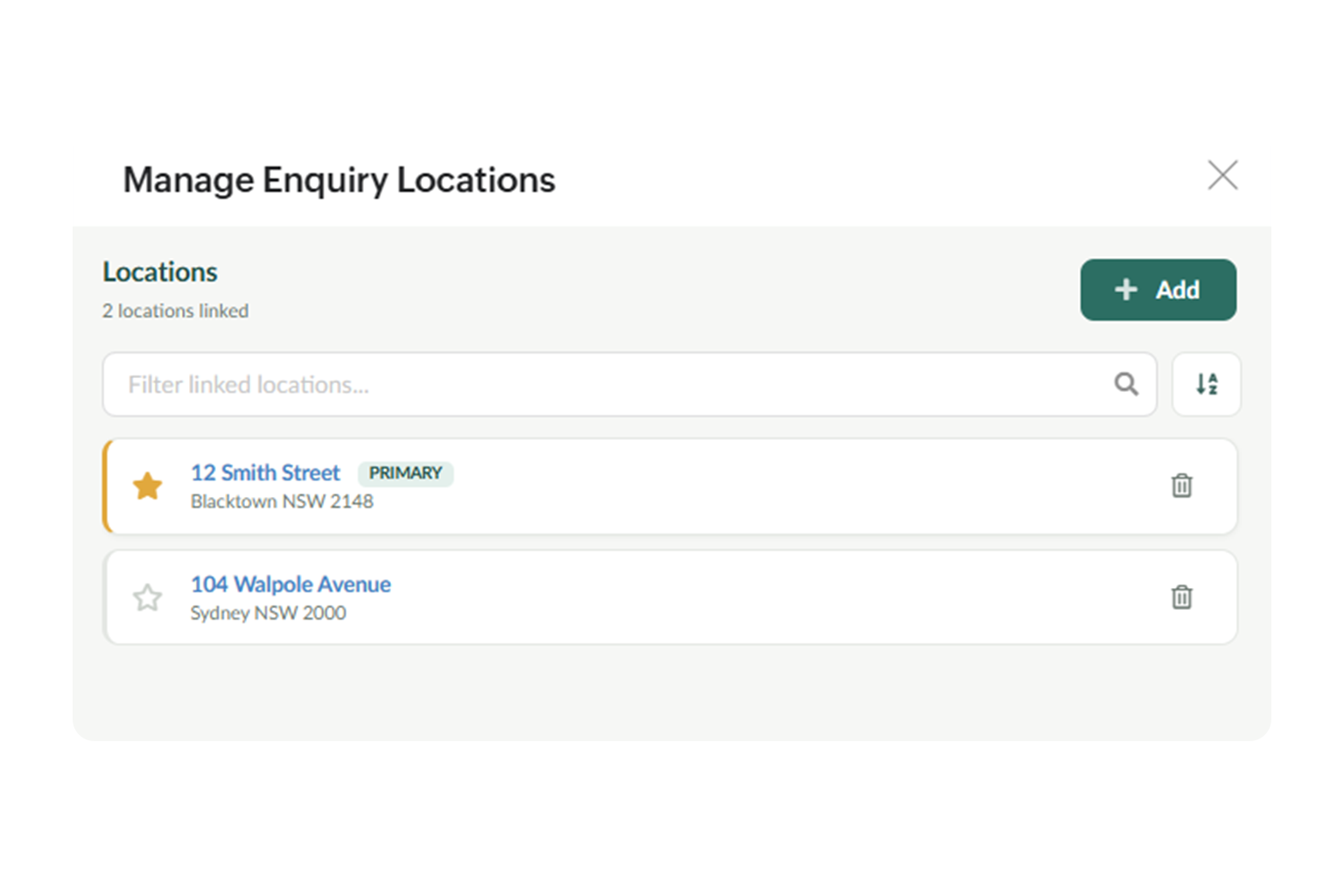
Manage Enquiry Locations showing multiple linked locations and a primary location
Add or link job locations directly to an enquiry. Select the image to view full size.

A Client-Inspired Improvement

Search the locations already held in your CRM, link the sites you need, or create a new location with Google address search. Keep the enquiry connected to the right places without repeatedly entering the same customer addresses.


Let’s Talk

Release Enquiry

Have a question about this release? Send us the details, and our team will be in touch to help.

Request a Demo

Book a tailored demo

Tell us a little about your business and we’ll focus the demo on what matters most.

Free Trial

Start your free trial

Share your details and we’ll help you choose the right Zoho and Zenro solution.

Our Clients

Trusted by businesses across industries.

Read our case studies